

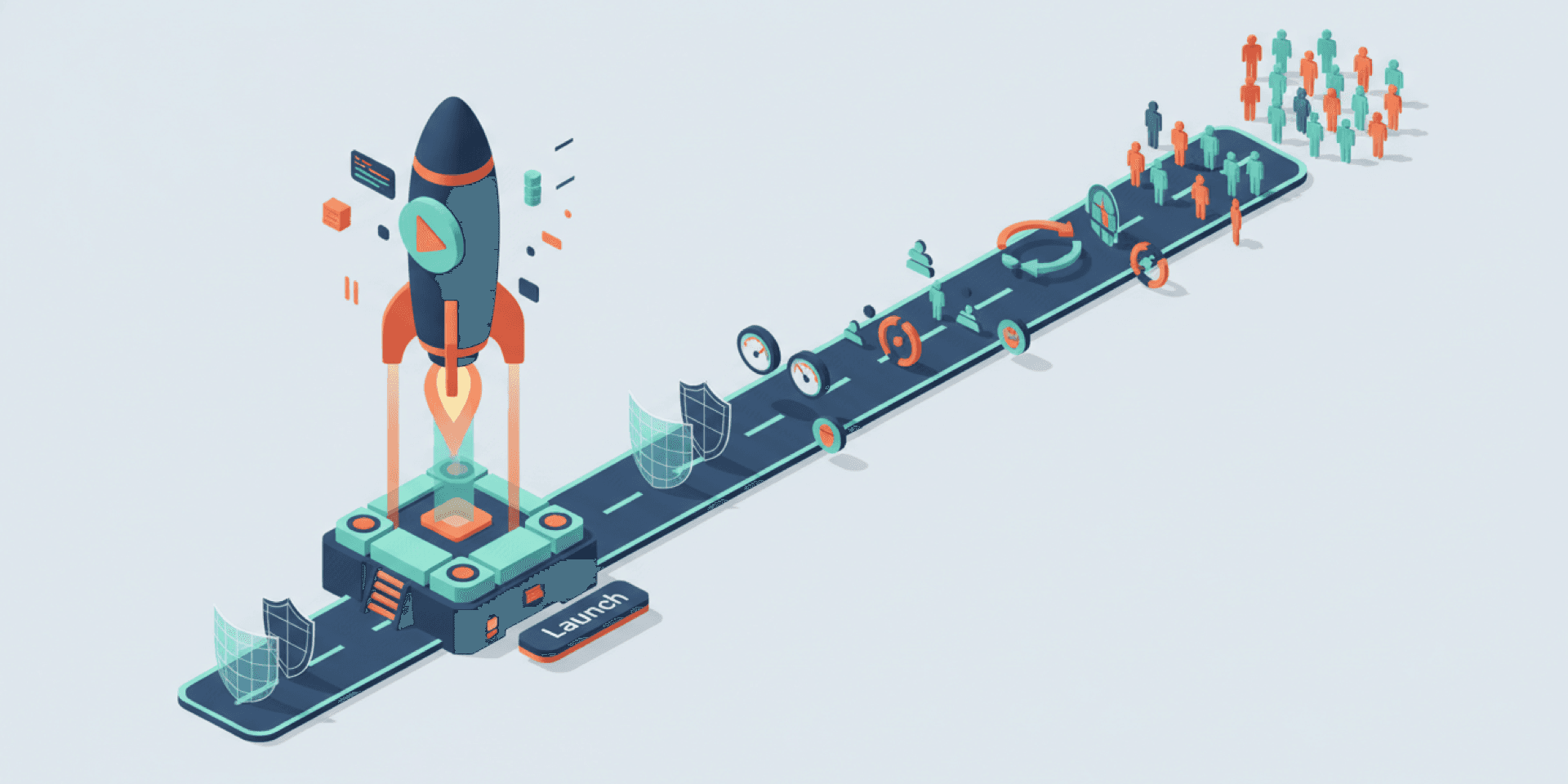
You shipped. The app is live, customers are signing up, and for the first time in months you’re not staring at a build screen. It feels like the finish line. But here’s what nobody told you when you started this journey: launch day isn’t the end of building your product. It’s the beginning.
Over the past eight weeks, we’ve walked through the full arc — from AI prototypes that aren’t ready for customers to budgeting for a professional build. We’ve covered the iron triangle, the 80% problem, and what AI-powered development actually looks like. This final article addresses the blind spot that catches nearly every first-time founder off guard: what happens after launch.
The answer? Everything that matters.
TL;DR
Launching your app is day one, not the finish line. Security patches, dependency updates, performance monitoring, user feedback, platform policy changes, and feature iterations are ongoing realities of owning a software product. Software that isn’t actively maintained degrades — fast. AI-powered maintenance workflows handle monitoring, alerting, and routine updates at a fraction of what manual maintenance costs. The iron triangle of quality, speed, and cost doesn’t stop applying when you ship version one. If you’ve built something worth launching, it’s worth maintaining properly.
Launch is day one
Think about any app you use daily. Your banking app, your project management tool, your email client. Now think about how often they update. Every week or two, sometimes more. Those updates aren’t optional busywork. They’re what keeps the product alive.
The moment your app goes live, a clock starts ticking on a dozen things you probably haven’t thought about:
- Security vulnerabilities are discovered in the libraries your app depends on — sometimes within days of your launch
- Browser updates ship monthly. Chrome, Safari, Firefox — each one can subtly break your interface
- Platform policies shift. Apple and Google update their app store requirements regularly. Miss a deadline and your app gets pulled
- Your users find edge cases. No amount of testing catches everything real people do with real data
- Dependencies age. The tools and frameworks your app was built on release new versions, deprecate old ones, and patch security holes
None of this is a sign that something went wrong. It’s how software works. According to Synopsys’ 2024 Open Source Security and Risk Analysis report, 84% of codebases contain at least one known security vulnerability in their open-source dependencies. Your app was probably fine at launch. Six months without updates? The odds shift against you.
The maintenance you can’t ignore
Post-launch maintenance falls into two categories: the urgent and the strategic. You need a plan for both.
Urgent maintenance is the stuff that can’t wait. A security patch for a critical vulnerability. A broken checkout flow that’s losing you sales. A server outage at 2 AM. These aren’t hypothetical — they’re guaranteed. The only question is whether you’ll catch them in minutes or discover them when a customer complains.
Strategic maintenance is what separates products that thrive from products that slowly die. Feature iterations based on user feedback. Performance improvements as your traffic grows. Accessibility updates that expand your audience. Integrations with new platforms your customers are using.
The Standish Group’s research on software projects has consistently shown that ongoing maintenance and enhancement accounts for 60–80% of total software lifecycle costs. That’s not a flaw in the system. It’s the nature of building something people actually use.
When we discussed budgeting for your build, we recommended planning for 15–20% of your initial build cost annually in maintenance. That number isn’t arbitrary. It reflects what it actually takes to keep software healthy.
Why DIY maintenance breaks down
If you followed this series from the beginning, you’ll recognize a pattern. The same dynamics that make DIY prototyping risky for production make DIY maintenance even riskier.
When you built your app, you controlled the timeline. Nobody was depending on it. You could break things, fix them, and nobody noticed. Post-launch, every bug is a customer-facing bug. Every outage is revenue lost. Every security gap is a liability.
Solo founders and small teams struggle with maintenance for the same reasons they struggle with that last 20% of the build: it’s not a talent problem. It’s a bandwidth problem. You can’t monitor uptime, review security advisories, apply patches, respond to user feedback, and build new features — all while running the rest of your business.
This is where the automated quality checks we discussed earlier prove their long-term value. They don’t just help during development. They keep working after launch — catching regressions, flagging performance issues, and verifying that updates don’t break what’s already working.
How AI-powered maintenance changes the equation
Everything we’ve discussed in this series about AI-powered development applies double to maintenance. The iron triangle — quality, speed, and cost — doesn’t retire when you ship version one.
Here’s what AI-powered maintenance looks like in practice:
Automated monitoring and alerting. Instead of waiting for customers to report problems, intelligent monitoring catches performance drops, error spikes, and availability issues in real time. Problems get flagged before they become crises.
Faster vulnerability response. When a security advisory is published for a dependency your app uses, automated systems can identify the impact, assess the risk, and prepare the fix — all before a human even opens their laptop. According to IBM’s 2024 Cost of a Data Breach report, organizations that use security AI and automation save an average of $2.22 million per breach. You don’t need to be an enterprise to benefit from that principle.
Intelligent dependency management. Keeping your software’s underlying components current is tedious but essential. AI-assisted workflows flag outdated dependencies, test compatibility, and prioritize updates by security impact — so your team isn’t wading through hundreds of package updates manually.
Smarter feature iteration. User feedback tells you what to build next. AI-powered development workflows help you build those iterations faster, with the same quality standards that went into your initial launch.
A team with these workflows built into their process handles ongoing maintenance at a fraction of what it costs to do everything manually. That’s the same argument from our article on what AI-powered development actually means: it’s not about replacing humans. It’s about handling the repetitive, time-sensitive work so your team focuses on what matters.
What good maintenance actually looks like
If you’re evaluating an agency for ongoing maintenance — or trying to decide whether your current setup is enough — here’s what to look for:
- Proactive monitoring, not just reactive firefighting. Your team should know about issues before your customers do.
- Regular security updates on a defined schedule, with emergency patches when critical vulnerabilities are disclosed.
- Performance baselines. Your app’s speed and reliability should be measured and tracked over time — not just assumed.
- A clear process for feature requests. User feedback should flow into a prioritized backlog, not disappear into a void.
- Automated quality checks on every update. Even a “small fix” can break something. Automated testing ensures it doesn’t.
If your maintenance plan is “we’ll deal with it when something breaks,” you don’t have a maintenance plan. You have a crisis-response plan. There’s a big difference.
FAQ
How much does app maintenance cost after launch?
Plan for 15–20% of your initial build cost annually. For a $30,000 app, that’s $4,500–$6,000 per year. This covers security patches, dependency updates, bug fixes, performance monitoring, and minor improvements. Major feature additions are typically scoped and budgeted separately.
What happens if I don’t maintain my app after launch?
Software degrades without maintenance. Security vulnerabilities accumulate, dependencies become outdated and eventually unsupported, performance drifts as data grows, and platform changes (browser updates, OS updates, policy shifts) can break functionality. The longer you wait, the more expensive the eventual fix becomes.
Can AI reduce my ongoing maintenance costs?
Yes. AI-powered maintenance workflows automate monitoring, vulnerability detection, dependency management, and quality verification. Tasks that would take a developer hours to do manually — reviewing security advisories, running regression tests, updating documentation — are handled automatically. Teams using AI-assisted workflows typically maintain software at 30–50% lower cost than fully manual approaches.
When should I start thinking about maintenance?
Before you launch. Maintenance should be part of your initial budget and planning, not an afterthought. The best time to set up monitoring, automated checks, and update workflows is during development — so everything is ready on day one.
The bottom line
Eight articles ago, we started with a simple observation: your AI prototype works in the demo, but it’s not ready for real customers. Since then, we’ve covered every stage of the journey — from understanding why traditional trade-offs are changing to knowing what questions to ask and what to budget.
The thread running through all of it? Building great software is a continuous commitment, not a one-time event. The same principles that make development succeed — experienced teams, intelligent automation, automated quality assurance, disciplined processes — are exactly what make maintenance sustainable.
Your app doesn’t end at launch. And that’s genuinely good news. It means your product can grow, adapt, and improve alongside your business. It means the investment you made in building it right continues to pay dividends. It means the difference between a product that launches and fades and a product that launches and thrives comes down to one thing: what happens next.
If you’ve built something — whether it’s an AI prototype, a half-finished freelancer project, or a launched product that needs professional care — you don’t have to figure out the next step alone. We’ve spent years building the tools, workflows, and team to handle exactly this. From building your application to keeping it running at its best, we’re the partner that sticks around long after launch day. Let’s talk about what comes next.