


Your development team just told you AI tools will speed up your project by 50%. That sounds great — until you start wondering what’s being sacrificed. Faster usually means corners get cut. Move fast, break things. That’s fine for a Silicon Valley mantra, but not for your business website.
Here’s what the data actually shows: speed and quality aren’t at odds. But only when teams have the right safety nets in place. Without them, AI-assisted speed creates a mess that takes longer to clean up than the time it saved.
In our last post, we walked through the different types of AI coding tools and why the team behind them matters most. Now let’s tackle the follow-up question every business owner asks: if AI makes development faster, does it also make it worse?
TL;DR
AI tools genuinely make developers faster — studies show 35-55% speed gains on common tasks. But speed without quality controls creates “AI-induced tech debt” that costs more to fix than it saved. A January 2024 study found that code churn (throwaway code) is projected to double compared to pre-AI levels. The difference between speed that helps and speed that hurts comes down to three things: automated testing, human code review, and experienced developers who know when to override the AI. When those are in place, teams get faster delivery without sacrificing the quality your project depends on.
The speed numbers are real — but they’re only half the story
Let’s start with the good news. The productivity gains from AI coding tools are well-documented and significant.
A widely cited GitHub study found that developers using Copilot completed tasks 55% faster. McKinsey’s research found even broader gains: code documentation finished 45-50% faster, new code generation 35-45% faster, and code refactoring 20-30% faster. As we covered in our first post in this series, these aren’t marketing claims. They’re measured results from controlled studies.
For your project, that speed translates to real value. Features that took two weeks might take ten days. A bug that would’ve eaten an afternoon gets fixed in an hour. Your development timeline compresses without requiring more people.
But here’s where it gets complicated. Speed is only valuable if what gets built actually works — reliably, securely, and maintainably. And that’s where some teams are running into trouble.
What happens when speed outpaces quality controls
In January 2024, the analytics firm GitClear published a study that should make every business owner pay attention. They analyzed 153 million lines of changed code written between 2020 and 2023 — before and during the AI assistant boom.
Their finding: code churn — the percentage of code that gets thrown away or rewritten within two weeks of being written — is projected to double in 2024 compared to pre-AI levels. That’s a striking number. It means developers are writing code faster, but a growing share of that code is disposable. It gets written, shipped, and then quickly replaced because it wasn’t right the first time.
The study also found an increase in “copy/pasted” code and a decrease in code that gets thoughtfully refactored and reused. In other words, AI makes it easy to generate code quickly, but that quick code doesn’t always fit the bigger picture of your application. It’s the software equivalent of assembling furniture without reading the instructions — fast, but you’ll probably have to take it apart and redo it.
This isn’t an argument against AI tools. It’s an argument for what needs to surround them. The speed is real, but without quality controls, that speed creates a kind of technical debt that’s expensive to pay off later.
How the best teams get speed and quality
So if uncontrolled AI speed is risky, what does controlled AI speed look like? McKinsey’s research gives us a clear answer.
In their developer productivity study, teams that used AI tools with a structured approach — training, clear guidelines, and quality checks — saw speed gains with no sacrifice in code quality. In fact, code quality for bugs, maintainability, and readability was marginally better in AI-assisted work when proper controls were in place.
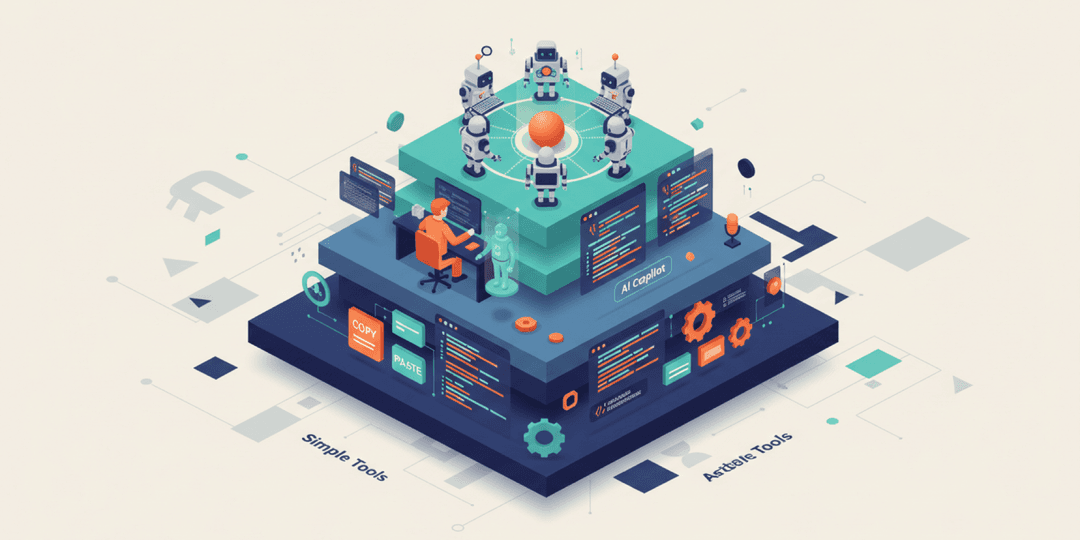
The key word there is “structured.” The teams that got both speed and quality weren’t just handing AI tools to developers and hoping for the best. They built three layers of protection around the speed:
- Automated testing. Every piece of code — whether AI-generated or human-written — gets tested automatically before it reaches your users. Tests catch bugs that both humans and AI miss. This is non-negotiable in AI-assisted development.
- Human code review. A senior developer reviews AI-generated code the same way they’d review a junior developer’s work. They check for subtle issues the AI might introduce: security gaps, performance problems, or code that works today but creates headaches tomorrow.
- Clear boundaries. The best teams know where AI helps and where it doesn’t. Business logic, security-sensitive code, and architectural decisions still need human judgment. AI handles the repetitive work so developers can focus on the parts that require real expertise.
This connects directly to what we discussed in our previous post about AI coding assistants: experienced developers saw productivity gains of 50-80%, while junior developers actually got slower. The difference isn’t the tool — it’s the person using it and the process around it. We’ll explore why team experience matters so much in an upcoming post in this series.
What this means for your web project
If your development team or agency uses AI tools, the question isn’t whether AI speeds things up. It does. The question is whether they’ve built the quality infrastructure to match that speed.
Here are three things to look for:
- Testing is automated, not optional. If the team doesn’t have automated tests running on every code change, AI-generated code is going live unchecked. That’s a risk you don’t want.
- Code review includes AI output. AI-generated code should face the same review process as human-written code. If anything, it deserves more scrutiny, not less.
- Experienced developers lead the work. AI amplifies skill. A senior developer with AI tools delivers exceptional results. An inexperienced team with AI tools delivers fast problems. Ask about who’s actually building your project.
We’ll dig deeper into the specific questions worth asking in our next post: “5 Questions to Ask Your Web Agency About AI.” But the principle is simple: speed is a competitive advantage, but only when it’s paired with discipline.
AI-assisted development done right means your web project gets delivered faster without the hidden costs of rework, bugs, and technical debt. That’s the standard we hold ourselves to, and it’s what you should expect from any team building with AI tools.
Ready to start a project with a team that moves fast and builds right? Let’s talk about yours.
Frequently asked questions about AI development speed and quality
Does AI-generated code have more bugs?
It depends entirely on the process around it. Unreviewed AI code can introduce subtle bugs — a January 2024 study found that AI-assisted code churn (throwaway code) is rising sharply. But teams with proper testing and code review see equal or better quality compared to fully manual development. The tool doesn’t determine quality; the process does.
How do development teams maintain quality when using AI tools?
Three ways: automated testing that runs on every code change, human code review by experienced developers, and clear guidelines about where AI should and shouldn’t be used. When all three are in place, teams consistently get speed gains without quality trade-offs.
Will AI make my web project cheaper?
It can reduce development time, which often translates to lower costs — but it’s not a guarantee. The real savings come from faster iteration and fewer rework cycles, not from cutting team size or skipping quality steps. A smaller, experienced team using AI tools well typically delivers better value than a larger team without them.
Should I worry about AI cutting corners on my project?
Worry about the team’s process, not the tools themselves. AI doesn’t cut corners — teams without proper quality controls do. Ask your agency how they test AI-generated code, who reviews it, and what their quality benchmarks look like. Transparency on these points is a strong signal that speed isn’t coming at your project’s expense.