

TL;DR
CI/CD pipelines do more than automate deployments — they enforce quality at every stage of your development process. Automated testing gates catch bugs before they reach production. Security scans run on every commit, not just when someone remembers. Deployment becomes repeatable instead of risky. And your team stops wasting hours on manual processes that should take seconds. If you’re still deploying manually, you’re shipping on faith instead of evidence. Here’s why automated pipelines are the infrastructure that separates professional development teams from everyone else.
The deploy-and-pray era is over
Every development team has a deployment horror story. The Friday afternoon push that broke checkout. The “quick fix” that took down the API for three hours. The staging environment that somehow didn’t match production.
These aren’t freak accidents — they’re the predictable result of manual processes. When deployments depend on a developer remembering every step, running every test, and checking every configuration, things go wrong. Not if, when.
CI/CD (Continuous Integration and Continuous Delivery) eliminates that uncertainty. But most teams still underestimate what it actually does. It’s not just “auto-deploy.” CI/CD is a system of automated quality gates that protect your codebase, your users, and your team’s sanity.
CI/CD is quality infrastructure, not just deployment automation
The deployment step gets all the attention, but it’s actually the least interesting part of a CI/CD pipeline. The real value lives in everything that happens before code reaches production.
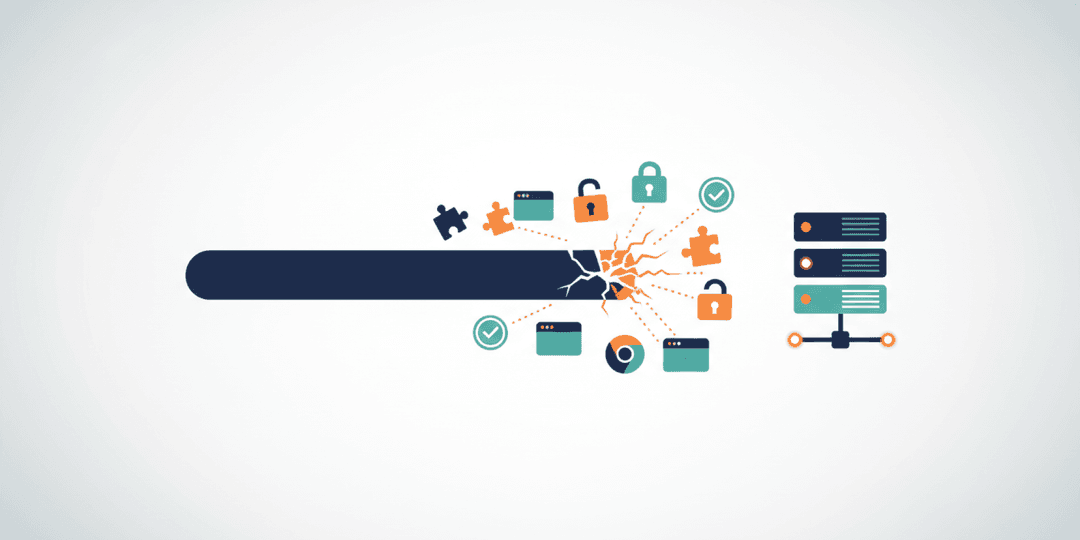
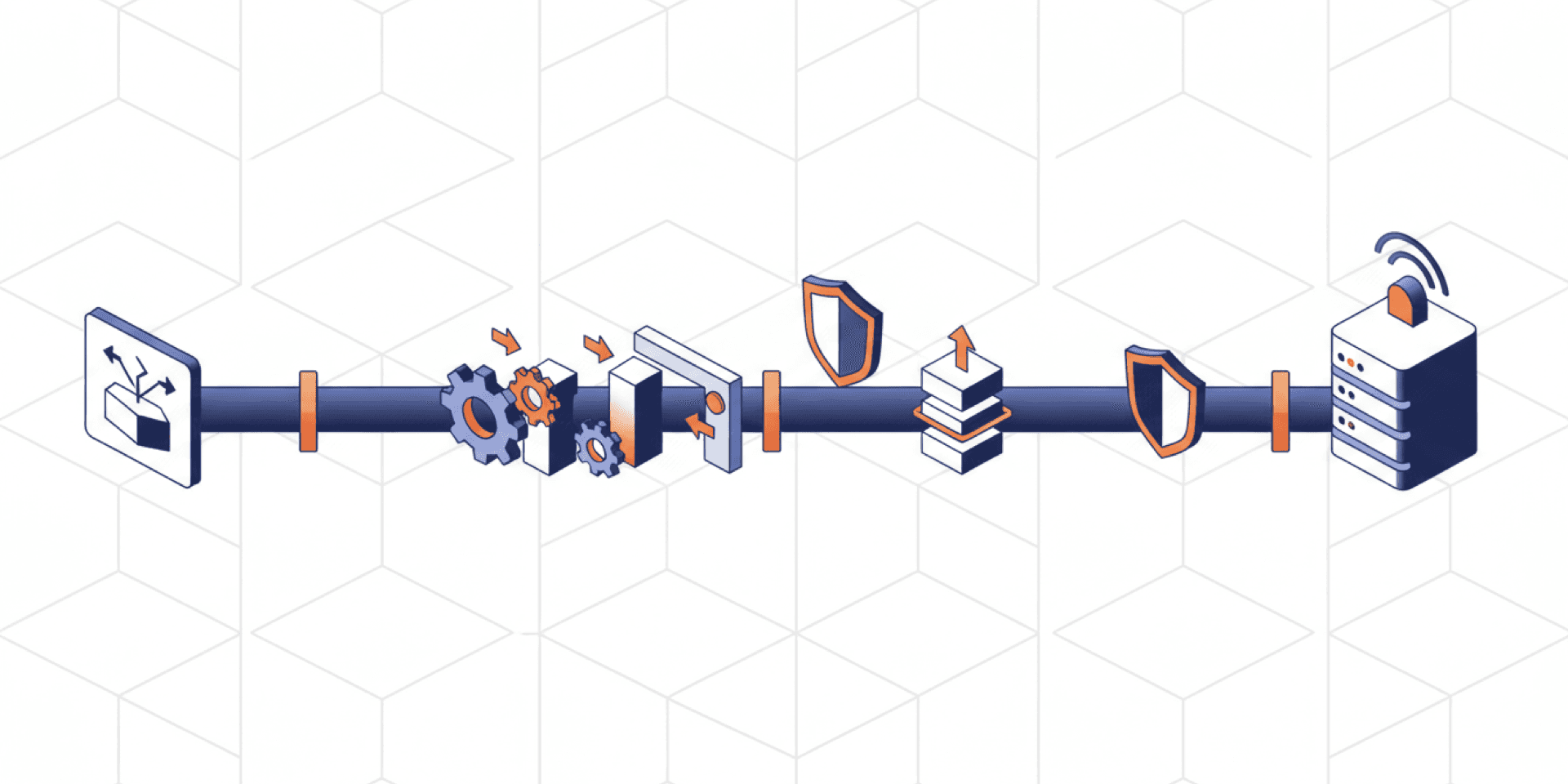
A well-built pipeline runs your full test suite on every commit — unit tests, integration tests, feature tests. It checks code quality and enforces style standards automatically. It scans dependencies for known vulnerabilities. And it does all of this without anyone having to remember to do it.
That’s the fundamental shift. CI/CD moves quality enforcement from human discipline to automated infrastructure. Your team doesn’t need to be perfect. The pipeline catches what humans miss.
We run unit tests, integration tests, feature tests, and security audits as pipeline steps. Every pull request triggers the full suite. If anything fails, the merge is blocked. No exceptions, no “I’ll fix it after deploy.” The pipeline is the enforcer your team needs but can’t be manually.
What a real-world pipeline looks like
Theory is easy. Implementation is where teams get stuck. Here’s what a production-grade pipeline actually involves.
Build environment consistency. We pull custom Docker images from Docker Hub to ensure every build runs in an identical environment. No more “works on my machine” — the pipeline’s machine is the same every time. This eliminates an entire category of deployment bugs that waste hours to diagnose.
Layered testing gates. Tests run in order of speed and scope: unit tests first (fast, catch logic errors), then integration tests (verify components work together), then feature tests (validate user-facing behavior). Each layer is a gate. Fail one, nothing ships.
Platform flexibility. We use both Bitbucket Pipelines and GitHub Actions depending on the project. Bitbucket Pipelines integrates tightly with Bitbucket repositories and Jira workflows. GitHub Actions offers thousands of community-maintained actions. Both are mature, reliable, and well-documented. The choice depends on where your code lives and what integrations matter most.
Deployment orchestration. For deployment itself, we use Capistrano — a battle-tested tool that handles atomic deployments and instant rollbacks. Every release is a clean deployment. If something goes wrong, rolling back takes seconds, not hours. Combined with pipeline automation, you get consistent, repeatable deployments that don’t require a deployment engineer babysitting a terminal.
The security argument most teams miss
Here’s where CI/CD becomes non-negotiable: security.
Manual security practices have a fatal flaw — they depend on humans remembering to run them. Dependency vulnerability scans, static analysis, secret detection — these are critical checks that get skipped when deadlines are tight. And deadlines are always tight.
A CI/CD pipeline runs security checks on every single commit. OWASP’s shift-left approach means catching vulnerabilities during development, not after deployment. Static Application Security Testing (SAST) tools integrated into your pipeline flag issues before code is even merged.
Dependency scanning catches known vulnerabilities in third-party packages — the kind of issues that lead to headlines when they’re exploited in production. Secret detection prevents API keys and credentials from accidentally being committed to version control.
None of this requires developers to change their workflow. They push code. The pipeline handles the rest. Security becomes automatic rather than aspirational.
The cost of not having CI/CD
If you’re still deploying manually, you’re paying a tax on every release — you just might not see it on an invoice.
Inconsistent environments. Without containerized builds, your staging environment drifts from production. Bugs appear in production that never showed up in testing. Debugging those differences eats developer time that should go toward building features.
Slower release cycles. Manual deployment processes create bottlenecks. Teams batch changes into large, risky releases instead of shipping small, testable increments. Larger releases mean larger failure blast radius.
Undetected security gaps. Without automated scanning, vulnerabilities sit in your codebase until someone thinks to check. In an era where supply chain attacks are increasing, passive security isn’t a strategy — it’s a liability.
Developer frustration. Good developers don’t want to spend their time on repetitive deployment tasks. They want to build. CI/CD frees your team to focus on the work that actually moves your product forward.
Frequently asked questions
How long does it take to set up a CI/CD pipeline?
A basic pipeline — build, test, deploy — can be configured in a day or two for most projects. More comprehensive setups with security scanning, multi-environment deployments, and custom Docker images typically take one to two weeks. The investment pays for itself within the first month through reduced debugging time and faster releases.
Should we use Bitbucket Pipelines, GitHub Actions, or something else?
Start with wherever your code already lives. If you’re on Bitbucket, Bitbucket Pipelines is the natural choice with tight Jira and repository integration. If you’re on GitHub, Actions gives you access to thousands of community-maintained workflows. Both platforms are mature and capable. The best CI/CD platform is the one your team will actually use consistently.
What’s the minimum CI/CD setup for a small team?
At minimum: automated tests on every pull request and automated deployment to staging. Even a two-person team benefits from knowing that every merge has been tested and that deployments are consistent. You can add security scanning, multi-environment support, and advanced orchestration as your team and product grow.
Can CI/CD replace manual QA entirely?
No — and it shouldn’t try to. CI/CD automates repeatable checks: does the code compile, do tests pass, are there known vulnerabilities. Manual QA brings judgment: does the feature feel right, is the user experience intuitive, does it meet business requirements. The two complement each other. CI/CD handles the mechanical verification so your QA team can focus on the judgment calls that require human insight.
Build with confidence, not hope
CI/CD isn’t a nice-to-have for mature teams — it’s the baseline for professional software development. Automated testing, security scanning, and repeatable deployments aren’t luxuries. They’re the infrastructure that lets your team move fast without breaking things.
If your team is still deploying manually, every release carries unnecessary risk. The tooling is mature, the platforms are accessible, and the ROI is immediate.
Need help building a development process that includes automated testing, security audits, and reliable deployments? Our quality assurance services cover the full pipeline — from test strategy to deployment automation. We build the infrastructure that lets your team ship with confidence.