

TL;DR
UI (User Interface) is what your product looks like. UX (User Experience) is how it works. A beautiful app that confuses people will fail. A functional app that looks dated will get ignored. You need both working together to create digital products that attract users and keep them coming back. Think of UX as the blueprint and UI as the finish work — skip either one, and the house falls apart.
Two Disciplines, One Goal
If you have spent any time researching web design or app development, you have seen these two acronyms thrown around almost interchangeably. UI and UX get lumped together so often that many business owners assume they mean the same thing. They don’t. And understanding the difference directly impacts the results your digital products deliver.
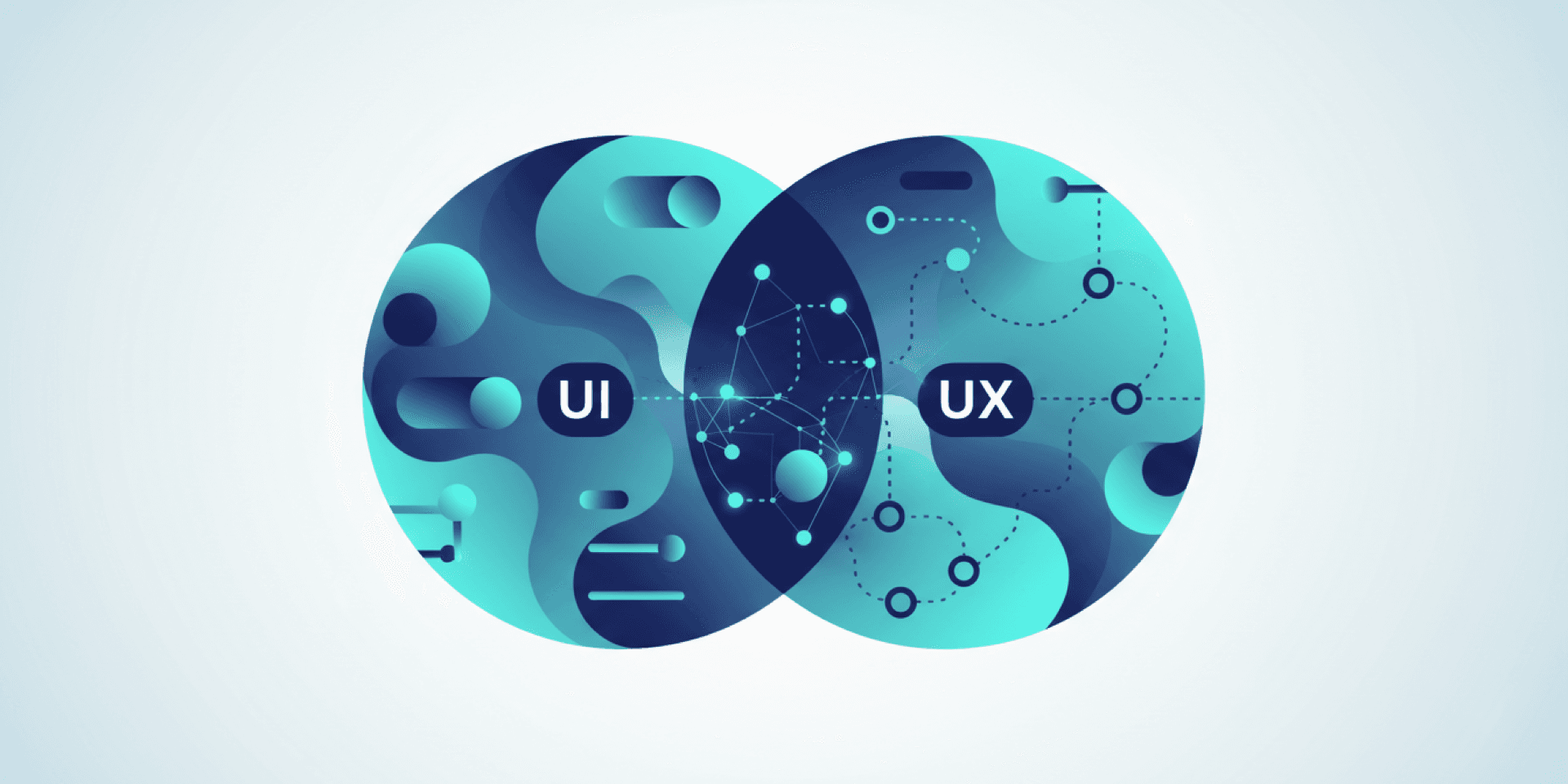
Here is the simplest way to think about it: UX is the entire experience a person has when interacting with your product. UI is the visual layer they interact with. One shapes the journey. The other shapes what that journey looks and feels like on screen.
What UX Design Actually Does
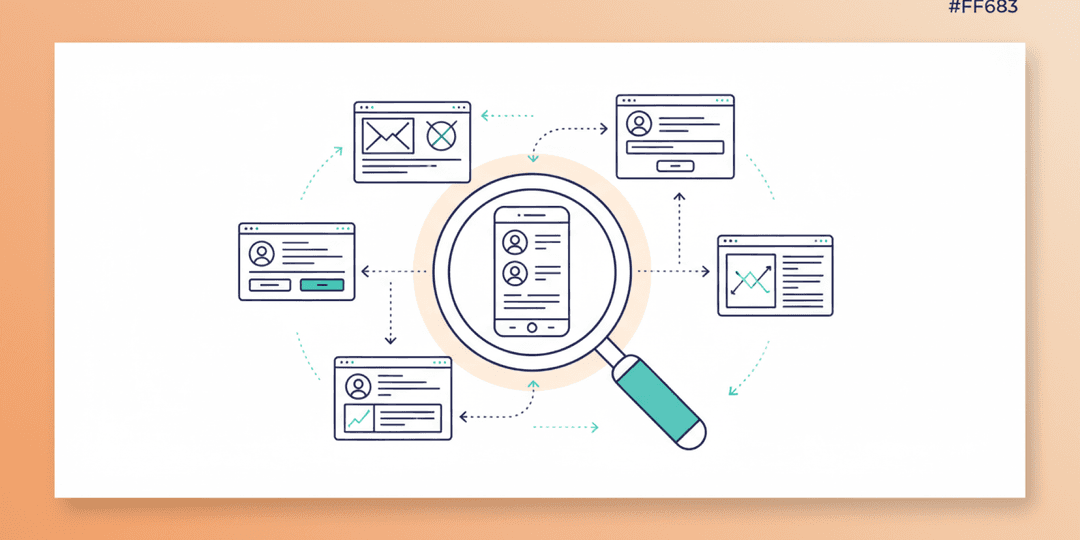
UX design is problem-solving. It starts with understanding who your users are, what they need, and what obstacles currently stand in their way. A UX designer maps out how people move through your website or app, identifies friction points, and structures the experience so users can accomplish their goals with minimal effort.
This involves research, user interviews, wireframing, prototyping, and testing. The output is a blueprint that defines information architecture, navigation flow, content hierarchy, and interaction patterns. None of this is about colors or fonts. It is about logic, structure, and human behavior.
Consider your checkout process. A UX designer decides how many steps it takes, what information appears at each step, where the progress indicator sits, and what happens when something goes wrong. Every decision is grounded in reducing the effort a user needs to complete a purchase.
What UI Design Actually Does
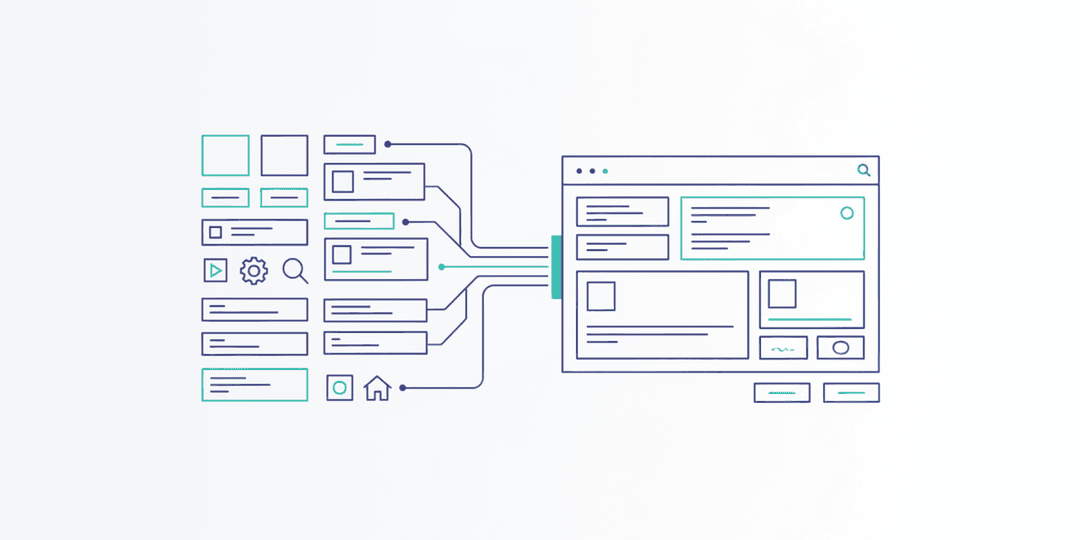
UI design takes that blueprint and brings it to life visually. It is the typography, color palette, button styles, spacing, icons, imagery, and animations that users see and touch. A UI designer makes the experience not only functional but appealing and on-brand.
Good UI design creates visual hierarchy so users naturally look where they should. It uses contrast to draw attention to calls-to-action. It establishes consistency so every page feels like part of the same product. And it builds trust — because people judge credibility based on appearance in milliseconds.
According to the Nielsen Norman Group, users perceive aesthetically pleasing designs as more usable, even before they interact with them. That is the power of strong UI.
What Happens When You Invest in One but Not the Other
This is where most projects go sideways. Businesses tend to lean heavily toward one discipline and underinvest in the other. Both scenarios create problems.
Great UI, Weak UX
The product looks stunning. Modern typography. Beautiful imagery. Smooth animations. But users cannot find what they need. Navigation is confusing. The checkout has too many steps. Forms ask for unnecessary information. The result: high bounce rates, abandoned carts, and frustrated users who never return. You built a beautiful maze.
Great UX, Weak UI
The product works perfectly. Every flow is logical. Tasks are easy to complete. But it looks outdated or generic. Users question whether the business is legitimate. They do not feel confident entering payment information. Competitors with more polished interfaces win the trust comparison, even when their products are harder to use. You built a reliable car with a rusted exterior.
How UI and UX Work Together in Practice
In a well-run design process, UX and UI are not sequential phases — they are parallel disciplines that inform each other continuously. Here is how that typically looks on a real project:
Discovery and Research: UX leads this phase. The team studies user behavior, analyzes competitor experiences, and defines user personas. UI designers participate to understand the visual landscape and brand context.
Information Architecture: UX structures the sitemap, defines content hierarchy, and maps user flows. UI begins exploring visual direction — mood boards, color studies, typography options.
Wireframing: UX creates low-fidelity wireframes that define layout and functionality without visual design. These are the skeleton. UI reviews wireframes to flag potential visual challenges early.
Visual Design: UI takes approved wireframes and applies the full visual treatment. UX reviews to ensure visual decisions do not compromise usability. A decorative element that pushes important content below the fold? That gets flagged.
Prototyping and Testing: Both disciplines collaborate on interactive prototypes. Real users test the experience. Data drives refinements. The cycle continues until the product performs.
Real-World Examples That Make the Difference Clear
Think about a banking app. The UX ensures you can check your balance, transfer money, and pay bills in as few taps as possible. It decides where security verification happens and how error messages communicate what went wrong. The UI ensures that experience feels trustworthy — clean typography, a professional color palette, smooth transitions between screens, and clear visual indicators for successful transactions.
Now think about an e-commerce site. The UX ensures product filtering works intuitively, that size guides are accessible, and that checkout captures only the information needed to complete the order. The UI makes product photos look compelling, ensures the “Add to Cart” button is impossible to miss, and creates a visual experience that reinforces the brand’s positioning.
What This Means for Your Business
If you are planning a new website, app, or digital product, budget for both disciplines from day one. Trying to save money by skipping UX research and jumping straight to visual design is one of the most expensive shortcuts in digital development. You end up building the wrong thing beautifully, then rebuilding it when conversions underperform.
When evaluating design partners, ask how they handle each discipline. If a team talks only about visual design without mentioning user research, wireframing, or usability testing, that is a red flag. Conversely, if they deliver wireframes without a plan to make the final product visually compelling, you are leaving money on the table.
The businesses that win online are the ones that treat UX design and UI design as equal priorities. They invest in understanding their users and then create visual experiences that meet those users exactly where they are.
The Bottom Line
UI and UX are different skills that produce different outputs. But their impact is inseparable. Your users do not think in terms of “interface” and “experience” — they just know whether your product works for them or not. When both disciplines are strong and aligned, the result is a digital product that looks credible, feels intuitive, and drives the outcomes your business needs.
At Project Assistant, our design process integrates UX research and UI design from the start because we have seen what happens when they are treated as separate afterthoughts. If your current digital presence is underperforming and you are not sure whether the issue is usability, visual design, or both, we can help you figure that out and fix it.